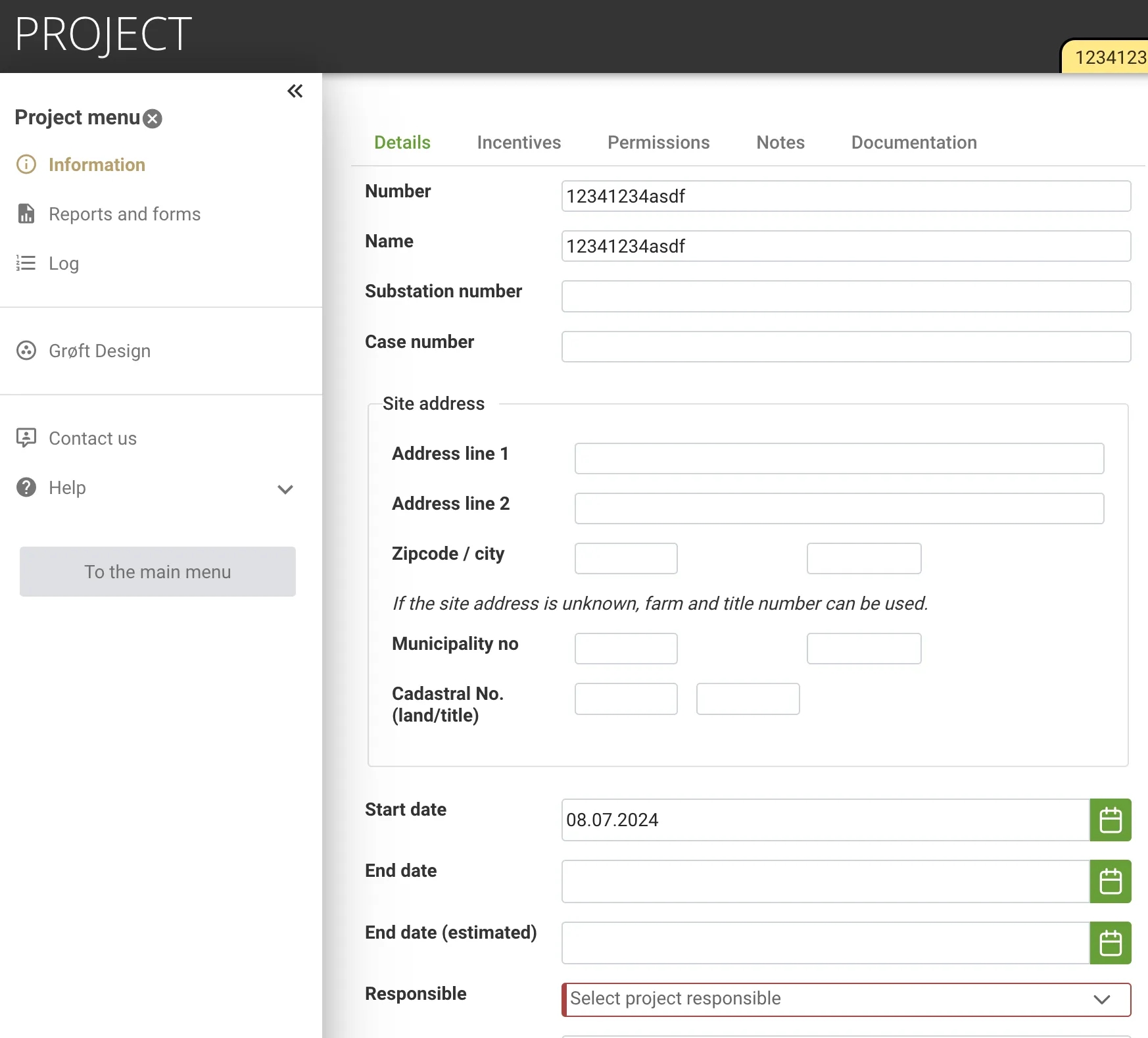
Collaborate and Share Projects
Project Navigation
Section titled “Project Navigation”Projects you create are by default shared with the other users in your company. To open an existing project look in the Recently used projects or search in the Project list.
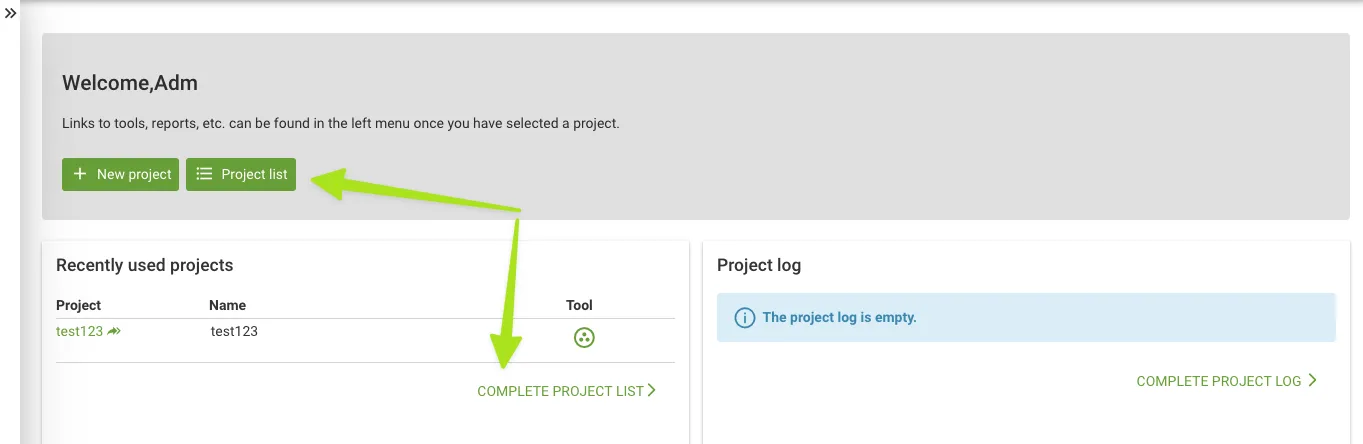
The project list will, by default, only show your projects.

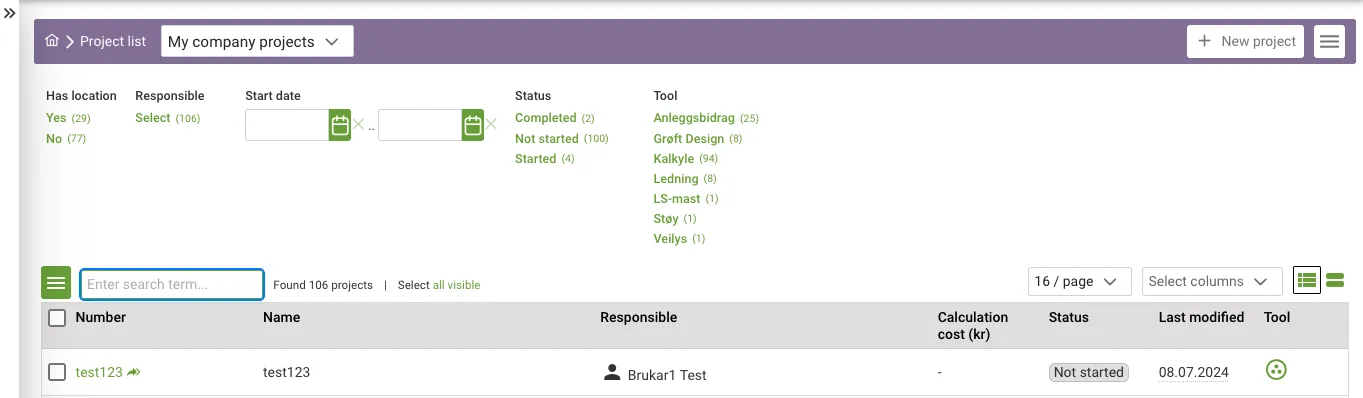
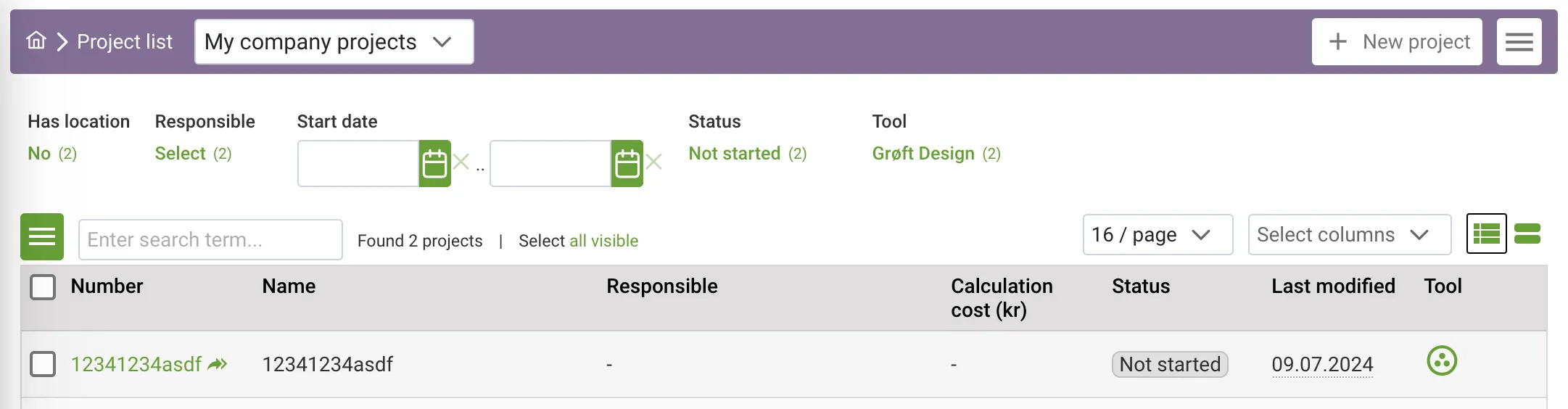
If someone has shared a project with you, look in My company projects as shown below.
Collaborate and Share Projects
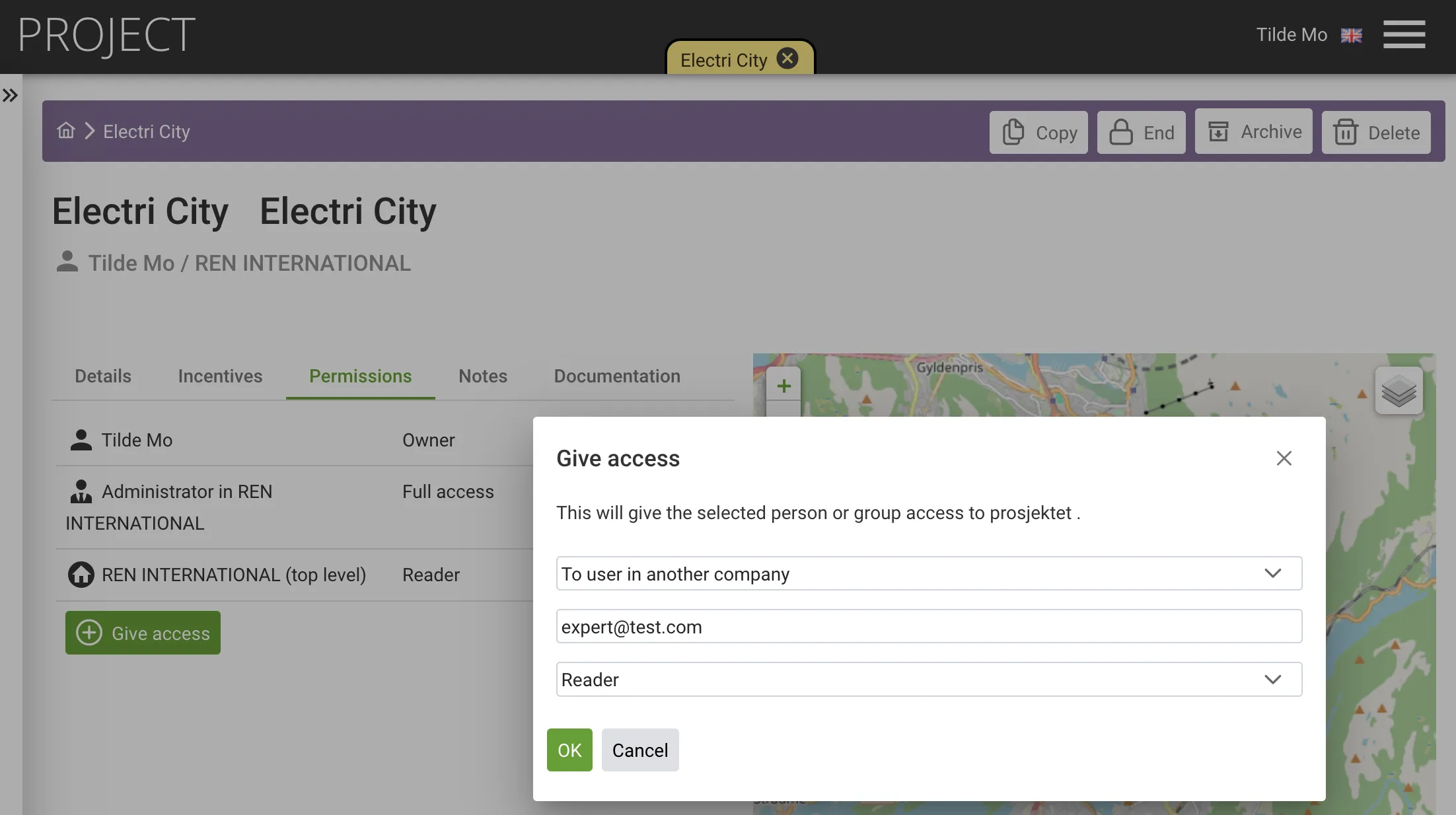
Section titled “Collaborate and Share Projects”For collaboration, manage project access on the project permissions page. Share projects within the organization or with external users, granting either read-only or full access.
Copy a Trench Section to Another Project
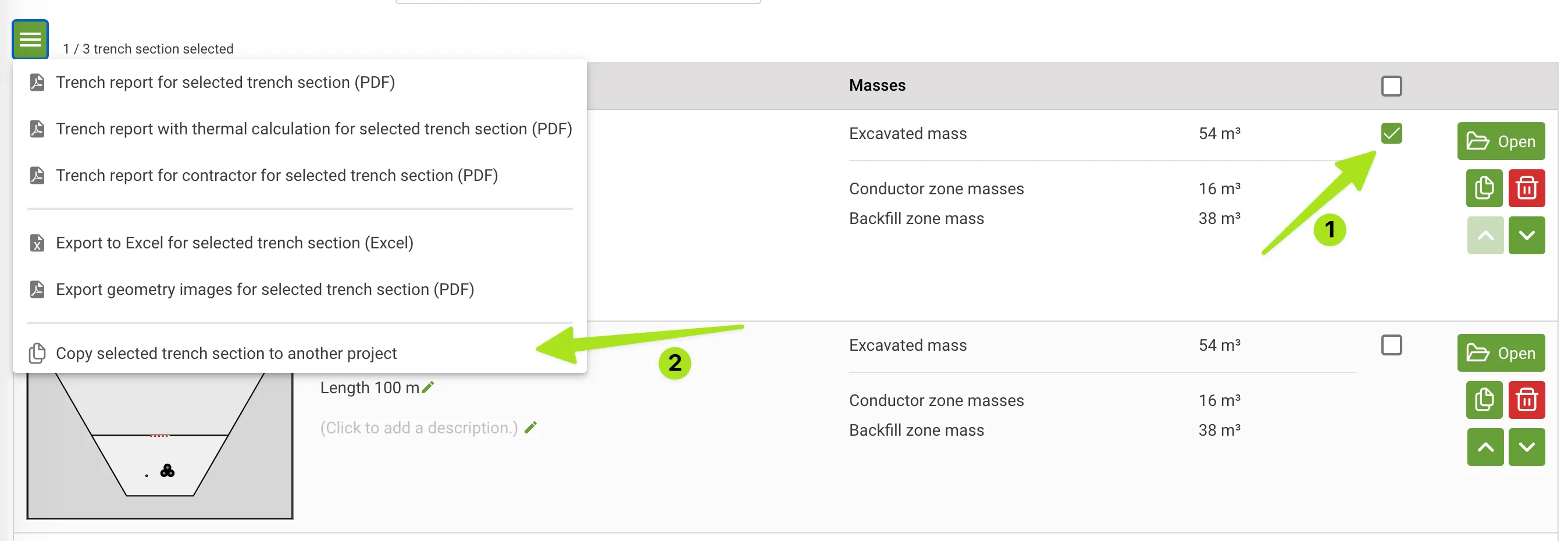
Section titled “Copy a Trench Section to Another Project”To reuse previous trench section you have made in another project, go to the Trench sections list, mark the Trench sections, then select copy selected trench section to another project.
What Happens when the Owner of a Project Leaves?
Section titled “What Happens when the Owner of a Project Leaves?”If the user profile of the owner of a project is disabled/deleted, the Company Administrator can still manage the project and assign a new owner to the project.
Changing the owner is done in the project details page.